🎯 Introduction to CodeGPT
What is CodeGPT?
CodeGPT is a Visual Studio Code extension that integrates powerful AI models directly into your development environment. With over 2 million developers already using it, CodeGPT allows you to access top-tier AI models like GPT-5, Claude 3.7 Sonnet, and Gemini 2.5, with flexible usage limits—pay only for what you need.
🚀 Getting Started
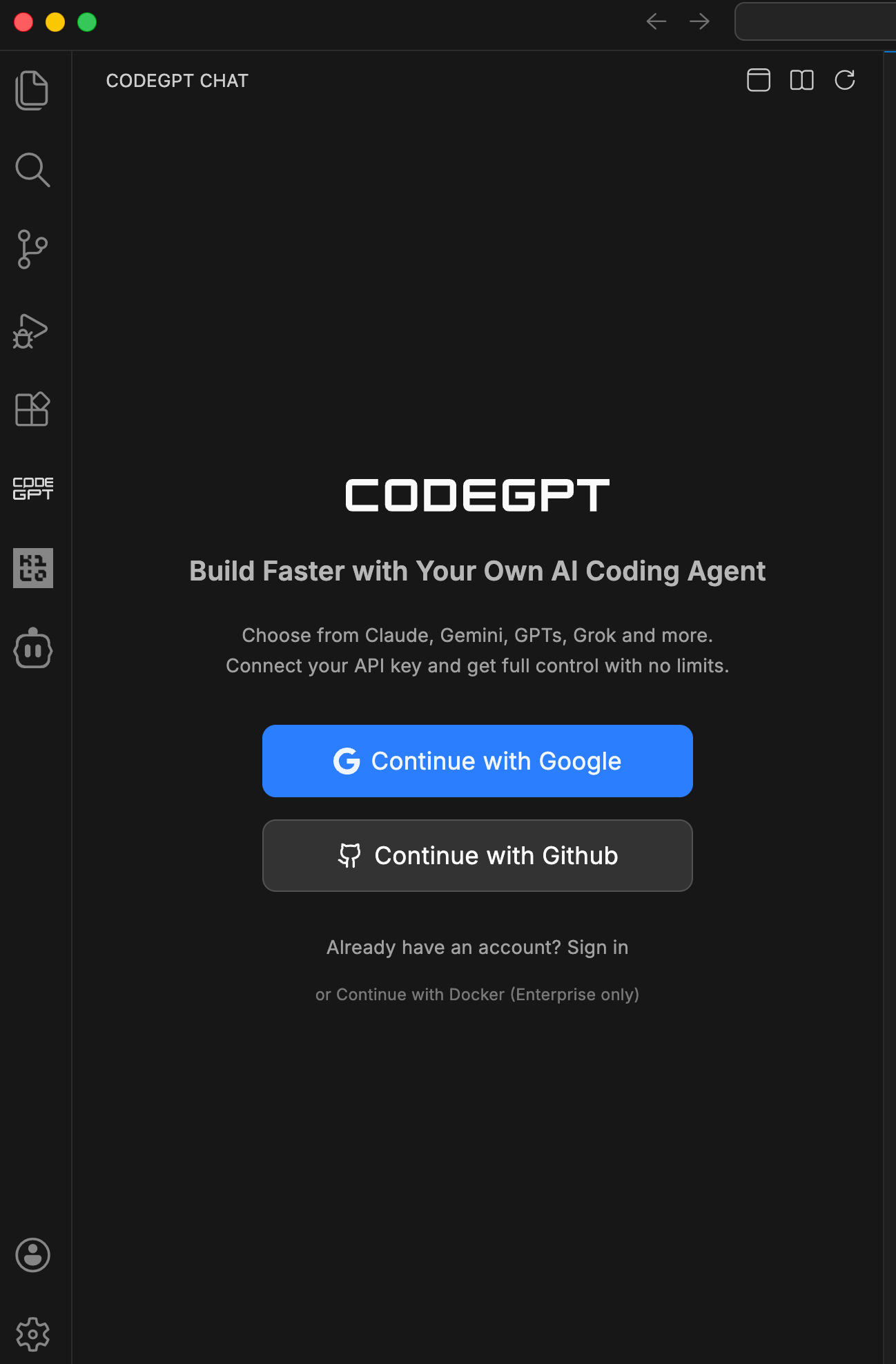
After installing CodeGPT from the VS Code Marketplace, you'll be greeted with a simple login screen where you can authenticate using Google or GitHub.
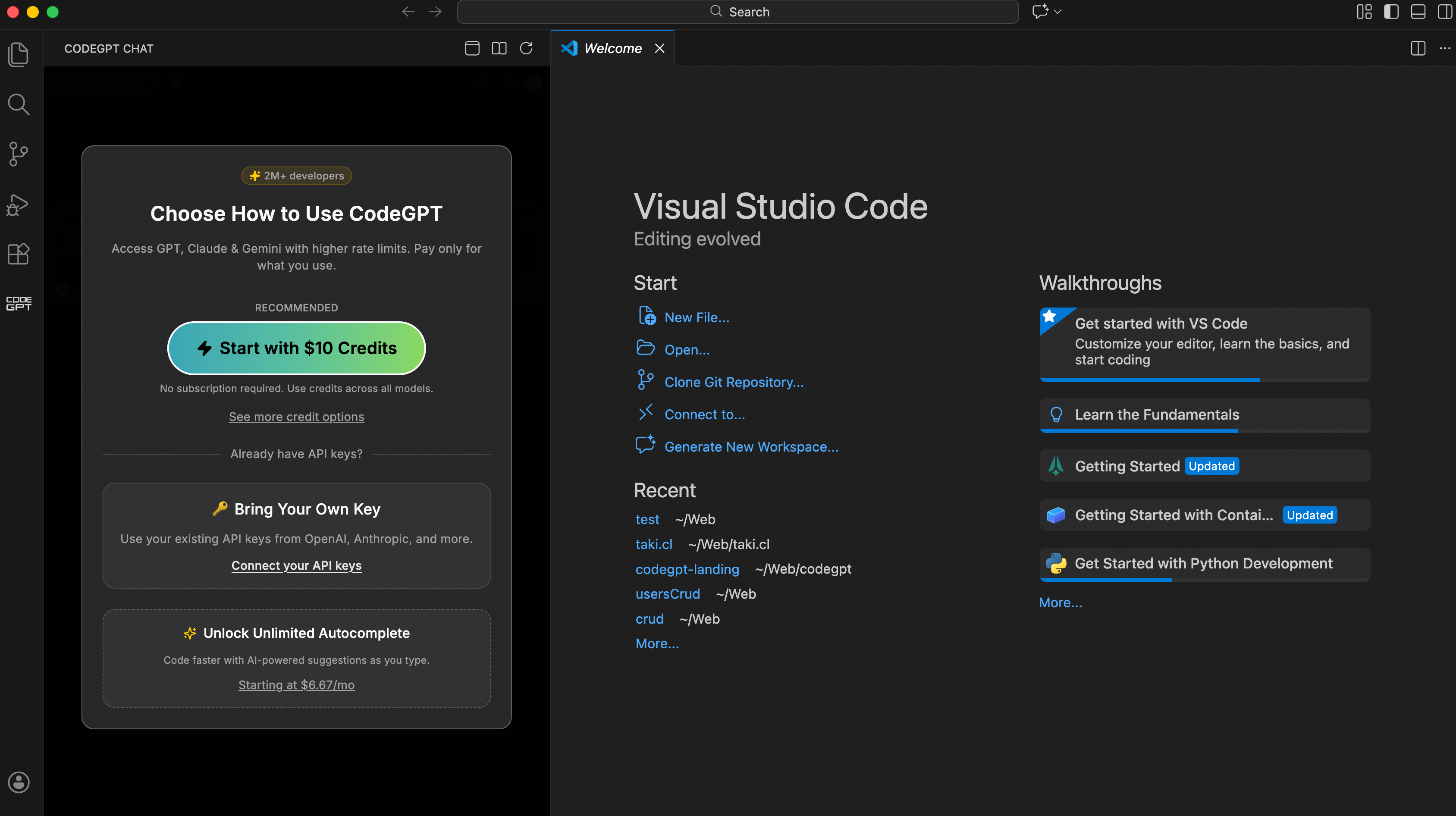
📦 Usage Options
Once logged in, all users start on the Free plan with multiple ways to access AI models:
- 🔑 Bring Your Own API Key: Connect your own API key from the provider of your choice (OpenAI, Anthropic, Google, Mistral, etc.) and enjoy unlimited interactions at no extra cost—you only pay your provider directly.
- 🪙 Buy Credits (Pay-as-you-go): Prefer not to manage API keys? Purchase credits directly from CodeGPT and access all premium models with simple pay-per-use pricing. No subscription required.
- ✨ AutoComplete Add-on: Subscribe to unlock unlimited AI autocomplete and advanced Agentic Mode with planning capabilities. Starting at $6.67/month when billed annually.
Learn more about pricing options on our Plans & Pricing page.
🌟 Key Features
💬 Integrated Chat
Chat with AI models directly from the VS Code sidebar. Ask questions about your code, request explanations, or get help solving complex problems.
⚡ Smart Autocomplete
Get real-time code suggestions powered by the world's most advanced LLMs. Write code faster and with fewer mistakes using context-aware completions.
🔄 Multi-Provider Support
Connect to the leading AI providers seamlessly:
- OpenAI (GPT-4, GPT-4o)
- Anthropic (Claude 3.5 Sonnet, Opus)
- Google (Gemini 1.5 Pro)
- Local Models (via Ollama)
🔐 Total Flexibility
Choose your preferred way to use CodeGPT:
- CodeGPT Credits: Access all models without needing your own API keys.
- Bring Your Own Key (BYOK): Use your existing API keys directly.
- Local Models: Run everything on your own machine for maximum privacy.
🔜 Next Step
Ready to start? Continue with the Model Management Guide to set up CodeGPT.