🧠 Augmented Context (Codebase)
The Augmented Context feature allows CodeGPT to "index" your entire project. This creates a local vector database of your code, enabling the AI to retrieve relevant snippets from across different files to provide much more accurate and context-aware answers.
🔍 Why Index your Codebase?
Standard LLMs only see the file you have open. By indexing your workspace, CodeGPT can:
- Find existing logic: Ask "Where is the authentication logic handled?" and get the exact file and line.
- Refactor safely: Understand how changing a function in one file might affect others.
- Learn patterns: The AI captures your project's unique coding style and architectural patterns.
⚙️ How to Enable Codebase Indexing
- Open the CodeGPT Chat panel.
- Click on the "Augmented Context" button or the "Codebase" icon.
- Click "Select Folder to Index".
- Once chosen, CodeGPT will start scanning your files and creating a local index.
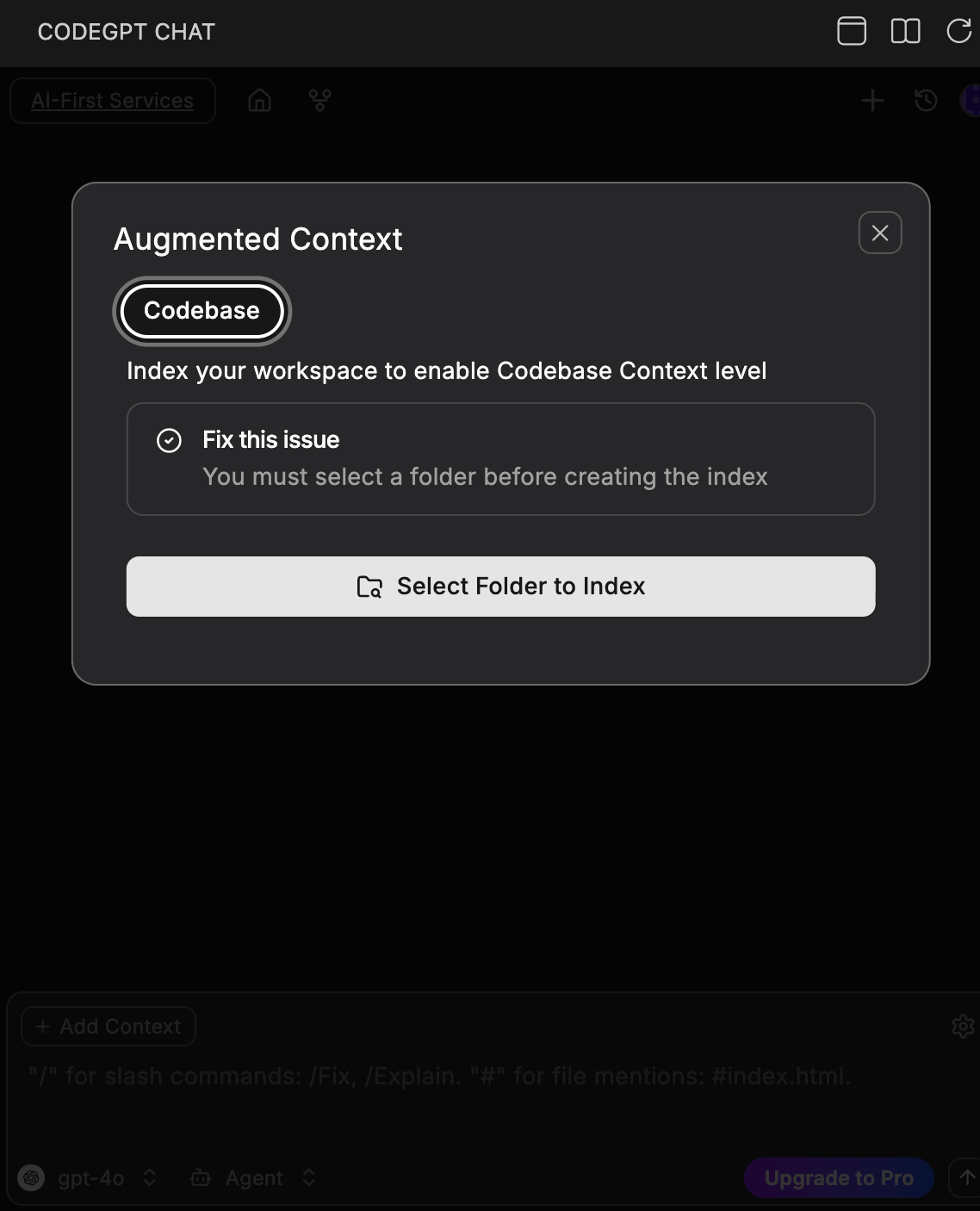
Note: The indexing process is local and private. Your code is not sent to our servers for indexing.
🚀 Using Indexed Context
Once indexed, you can use the @codebase mention in your chat prompts to tell the AI to search your entire project for the answer.
"Analyze @codebase and explain how the data flow works for the user registration process."
🛠️ Management
- Exclude Files: You can use a
.codegptignorefile to prevent specific folders (likenode_modules) from being indexed. - Refresh Index: If you make major changes to your project structure, click "Refresh Index" to keep the AI updated.
🔜 Next Step
Explore the different Interaction Modes (Chat, Search, and Agent).